
Open positions
Live positions across every account, and closing one by hand.
The Open Positions tab of the Trades page — the one it opens on — shows only what is live right now, across every connected account. Same grouping as History: expand a leader position to see the follower copies it produced.
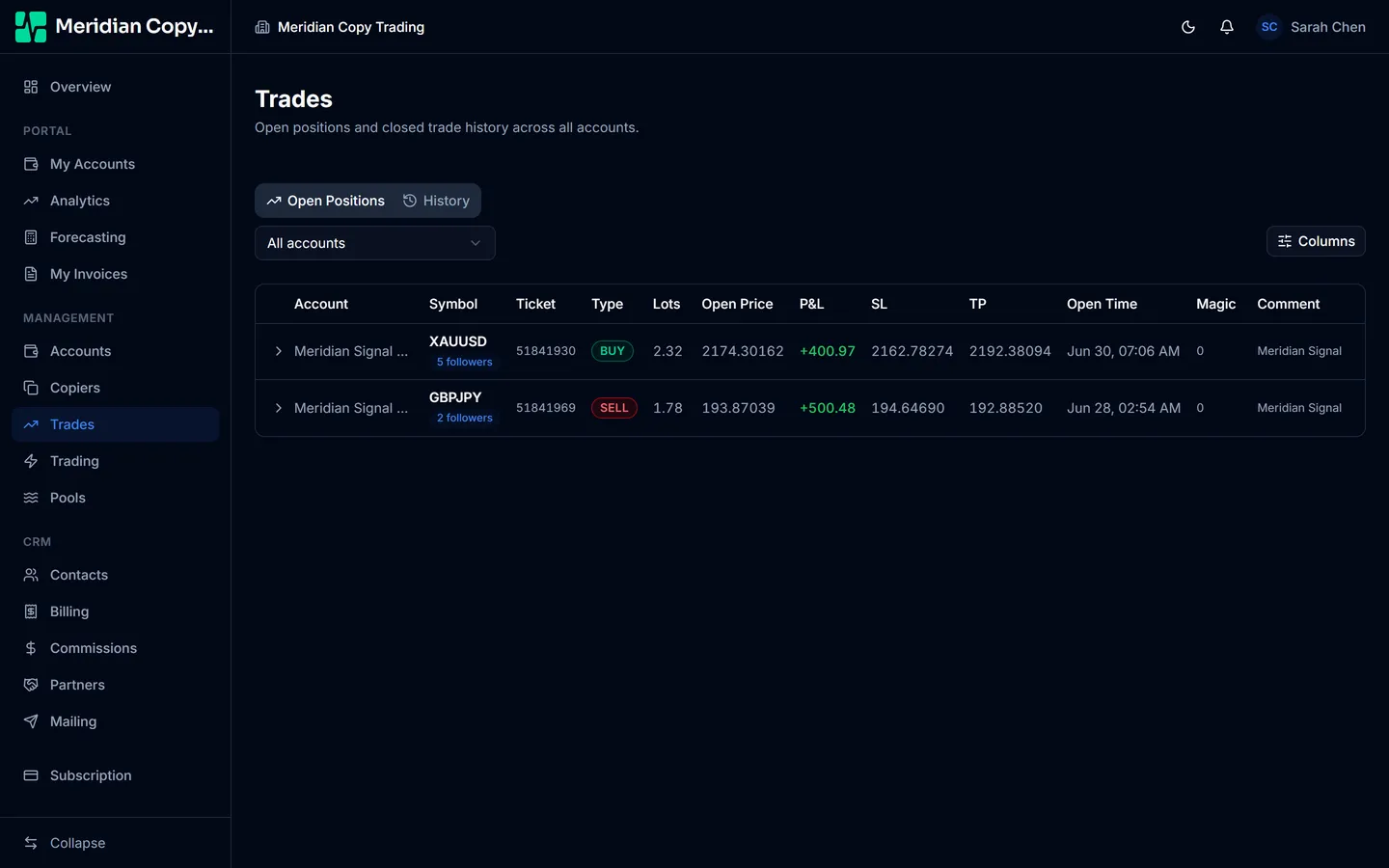
Use it for the questions you ask in the moment:
- Is every follower actually in this position, and at a sensible size?
- What is the book's current floating exposure?
- Did one follower end up with a position the others do not have?
P&L on this tab is unrealised. It moves, and it is not banked until the position closes.
Closing a position by hand
Rows on this tab — and only this tab, not History — carry a close button. It asks for confirmation, then sends a close command straight to the broker.
This closes a real position at the market, immediately. There is no undo, and the confirmation dialog is the last checkpoint.
Closing a follower copy by hand also breaks its pairing with the leader: the follower is flat while the parent is still open, so the next parent close has nothing on that account to act on. Closing the parent is the clean way to take everyone out, because the copiers then close the followers for you.
The honest use for the button is exceptions — one follower stuck open after a broker rejection, or a position that has to go now for a reason outside the strategy. Routine exits belong on the leader account, where the copiers handle the rest.
Related
- Copier modes — pausing stops new copies; it does not close what is already open.
- Filters and limits — why a follower may be missing from a group.